How Cursor Became the Code Editor Developers Can't Stop Talking About
Cursor isn't just an AI plugin for your editor. It's a rethink of what development actually looks like when AI is a first-class citizen.

Hans Granly
52d ago · 1 min read
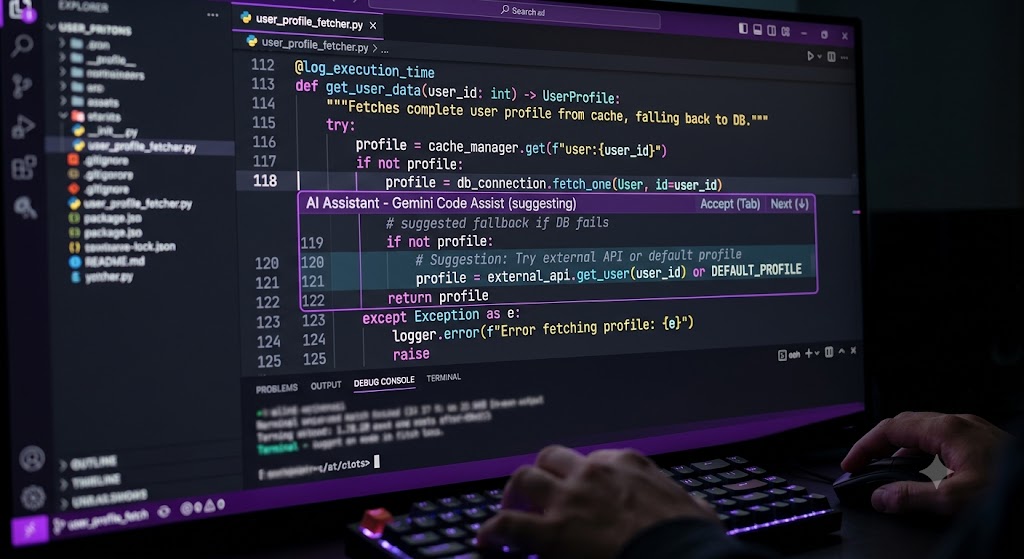
For most of software development's history, the code editor was a passive tool. It highlighted syntax, offered autocomplete, and stayed out of the way. Cursor changed that.
**What makes Cursor different**
Unlike GitHub Copilot — which sits inside VS Code as a suggestion engine — Cursor is a standalone editor built from the ground up with AI at the centre. The difference in practice is significant. Cursor doesn't just complete lines; it understands your entire codebase, can make changes across multiple files simultaneously, and can discuss architecture decisions in natural language before writing a single line.
**The Tab key, reimagined**
Cursor's autocomplete is faster and more context-aware than anything that came before it. Developers who use it daily describe a feeling of the editor anticipating their next move — not just finishing sentences, but understanding intent.
**Agent mode**
Cursor's Agent mode lets you describe a feature in plain English and watch the editor plan, implement, and test it across your project. It's not perfect — it makes mistakes, misunderstands requirements, and occasionally goes in the wrong direction. But it's fast enough that the back-and-forth feels more like pair programming than prompt engineering.
**Who it's for**
Cursor is most valuable for developers working on established codebases — where understanding context matters more than raw speed. Solo developers and small teams have adopted it fastest, reporting significant reductions in the time spent on routine implementation.
The editor wars have produced a new front-runner. Whether Cursor stays there depends on how quickly the incumbents respond — but right now, it's the tool setting the pace.
0 comments